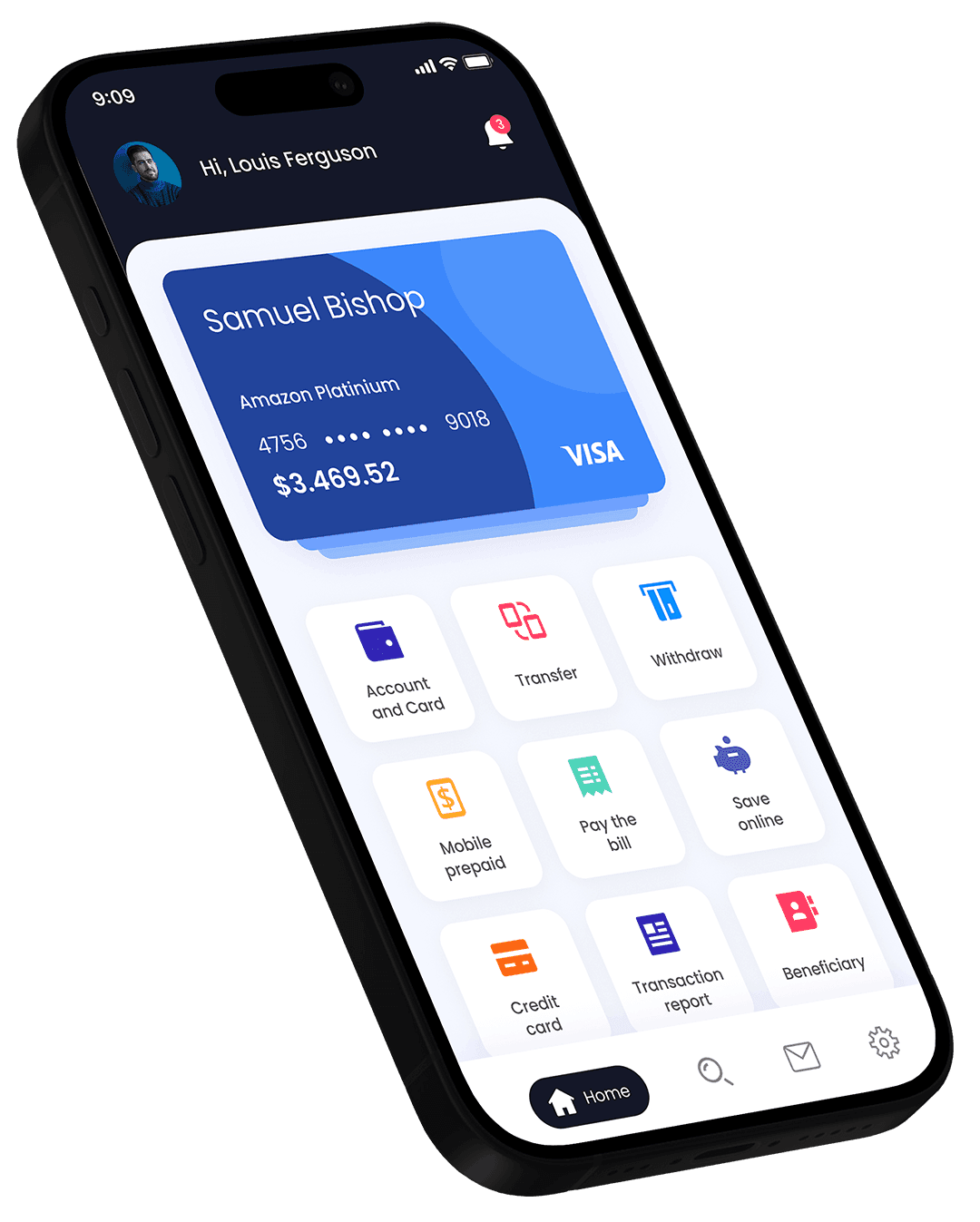
Protection you can see and control.
Security is built into every layer of OPM — and the most important controls sit right in your pocket.
•••• •••• •••• 2048
PHYSICAL CARD
Unfreeze it any time from the app.
Your money's safe space
OPM protects your account around the clock with proactive, purpose-built defences — and puts the controls right in your hands.
End-to-end encryption
Your data and transactions are encrypted in transit and at rest.
Biometric & 2-step login
Face ID, fingerprint and one-time codes keep your account yours.
Real-time monitoring
Suspicious activity is flagged instantly, and you are notified right away.
Instant card controls
Lost your card? Freeze it in one tap and get a new one ordered in seconds.
You’re in control, always
The tools that keep your money safe are one tap away.
Freeze your card
Misplaced your card? Freeze it instantly, then unfreeze it if it turns up.
Set your own limits
Choose how much can be spent, and turn online, contactless or ATM use on and off.
See every payment
Instant notifications mean nothing happens on your account without you knowing.
Manage your devices
See which devices are logged in to your account and sign any of them out.
How to spot a scam
Fraudsters rely on pressure and trust. These are the warning signs.
- Someone asks for a one-time code, your PIN or your password — OPM never will.
- You’re told to move money to a “safe account”.
- The message is urgent, threatening or too good to be true.
- A link or web address looks slightly different from the real one.
Something doesn’t look right?
Act fast — these three steps protect your money.
- 1
Freeze your card
Do it straight away in the app — it takes one tap and you can undo it later.
- 2
Contact our team
Tell us what happened through in-app support or our contact page. Mark it as “Security or fraud”.
- 3
Change your passcode
If you think someone knows your login details, change them and sign out other devices.
Questions, answered
Ready to put your money in motion?
Open your OPM account in minutes. No paperwork, no branch visits — just a smarter way to spend, send and save.
•••• •••• •••• 2048
OPM MEMBER