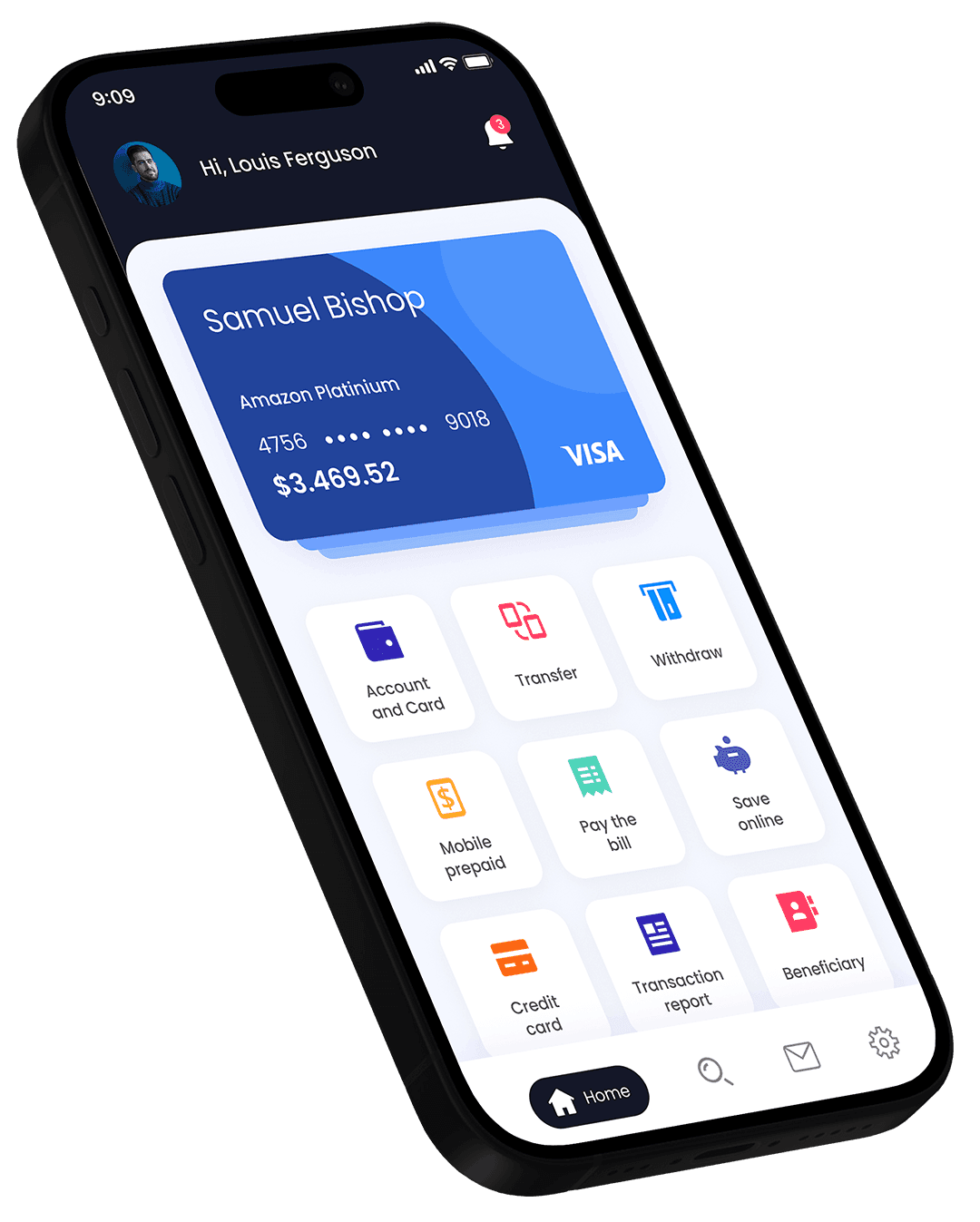
From download to done in minutes.
No branch, no paperwork, no waiting on hold. Everything happens in the app, and we guide you through each step.
Main account
€4,280.50
+€320 this weekSalary
Today · 09:02
Café Lumière
Today · 08:41
City transit
Yesterday
Up and running in minutes
No branch visits, no paperwork. Just your phone and your ID.
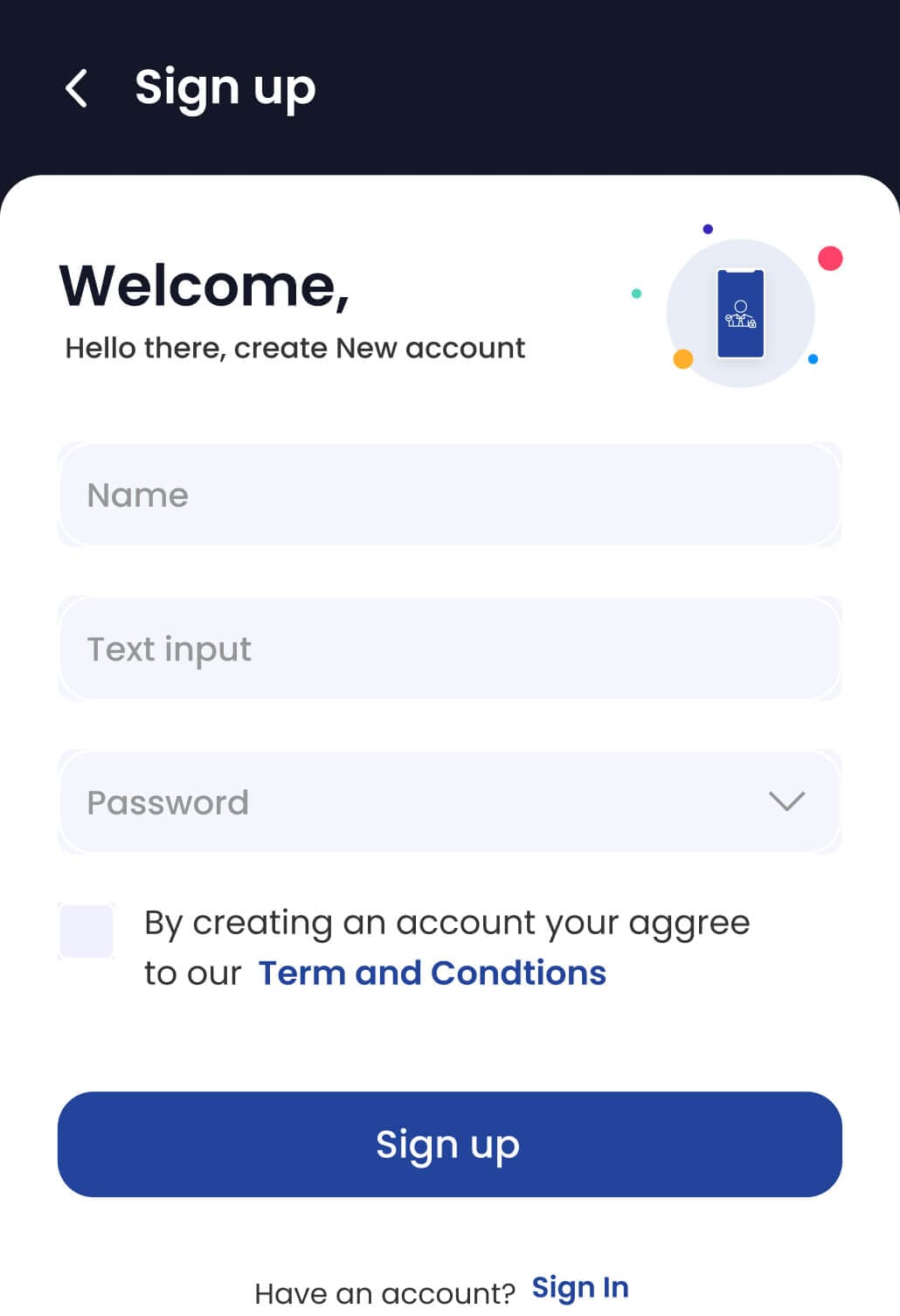
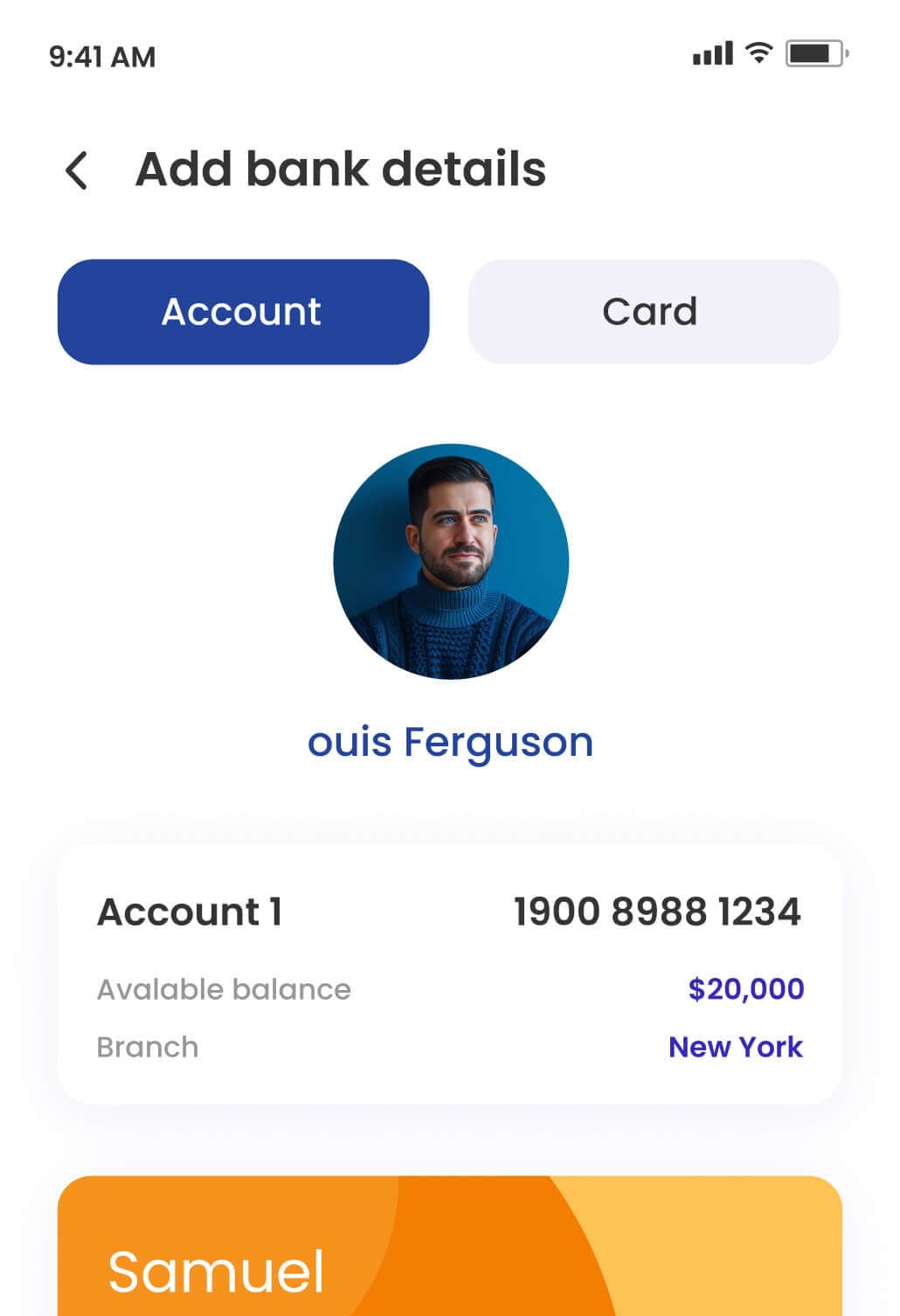
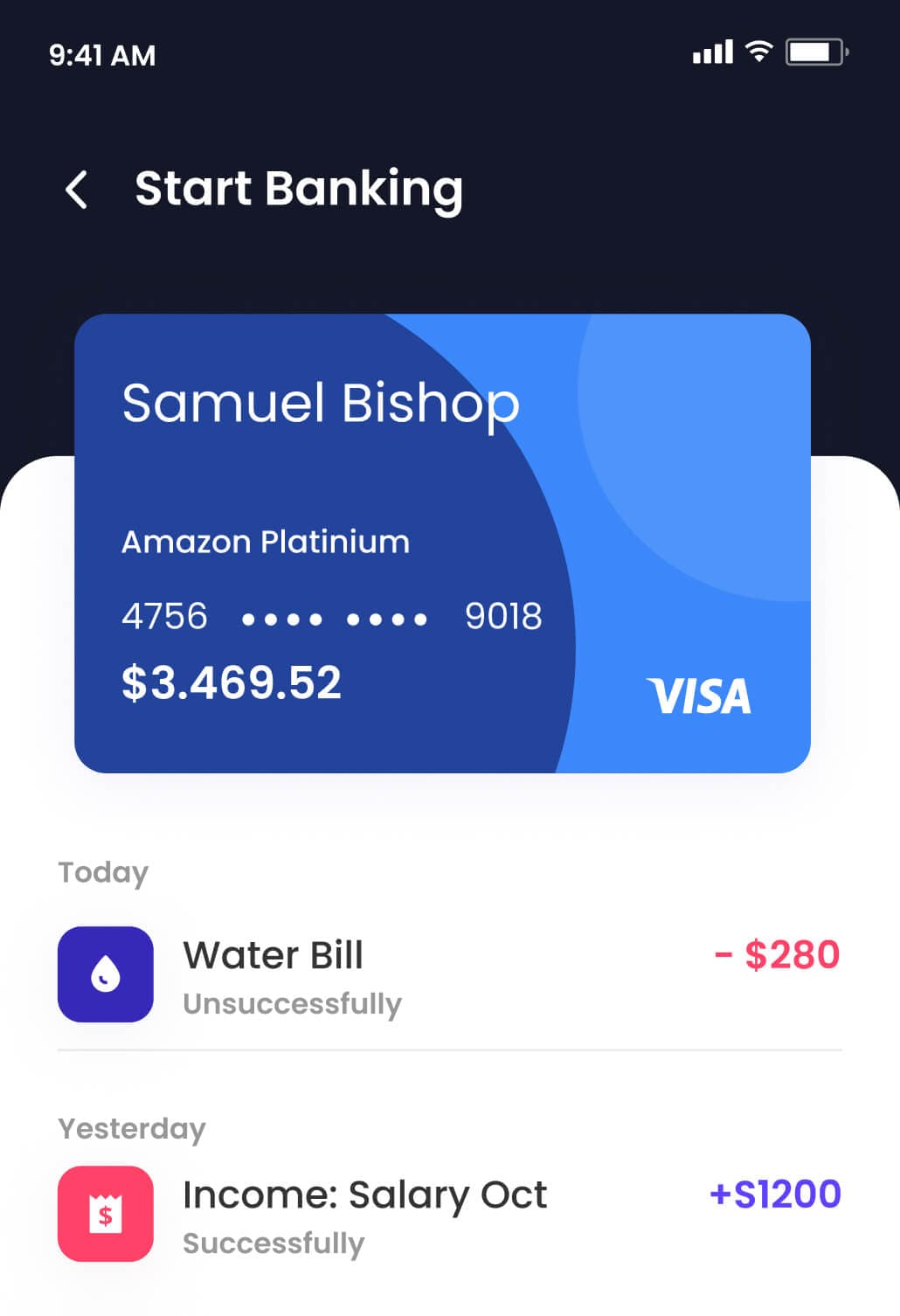
What you’ll need
A smartphone
The OPM app runs on recent iOS and Android devices.
A valid ID
A passport, national ID card or residence permit.
Your address
Where you live now. We may ask for proof in some cases.
Be 18 or over
Personal accounts are for adults. Business accounts have their own checks.
Quit the app juggling act
From everyday spending to bigger goals, one app that fits your whole financial life.
Instant transfers
Send money to anyone in seconds, day or night.
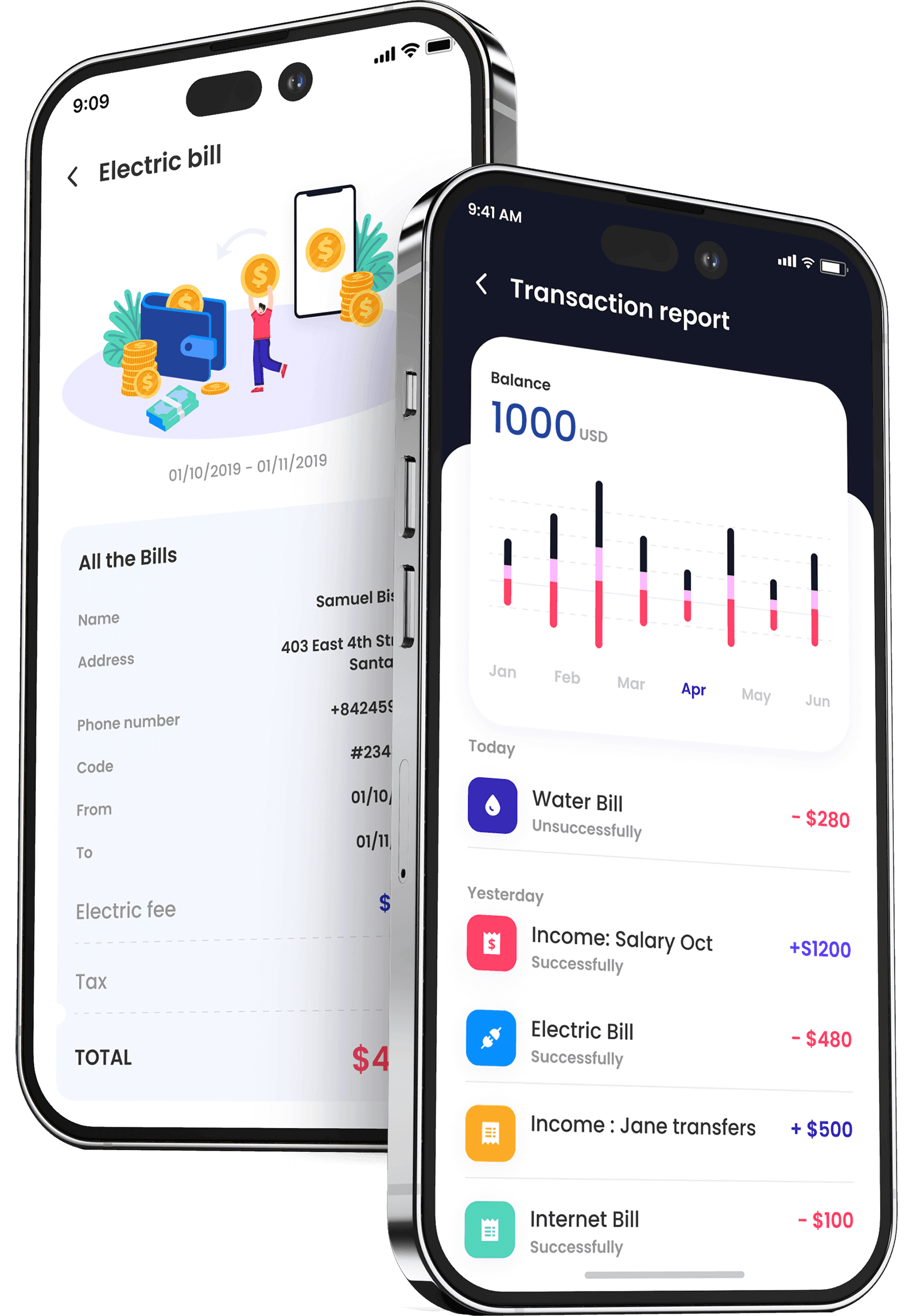
Bills, sorted
Keep bills in their own space so they never catch you out.
Real-time alerts
Know the moment money comes in or goes out.
Smart budgeting
Spending categorised automatically, with budgets that keep you on track.
Round-ups
Spare change from every purchase goes straight to your savings.
Human support
Real people, right in the app, whenever you need help.
Questions, answered
Ready to put your money in motion?
Open your OPM account in minutes. No paperwork, no branch visits — just a smarter way to spend, send and save.
•••• •••• •••• 2048
OPM MEMBER